01 / LOOK CLOSER
Find your frame.
Record a practice session or import a clip. Adjust playback speed and step through the movement frame by frame.
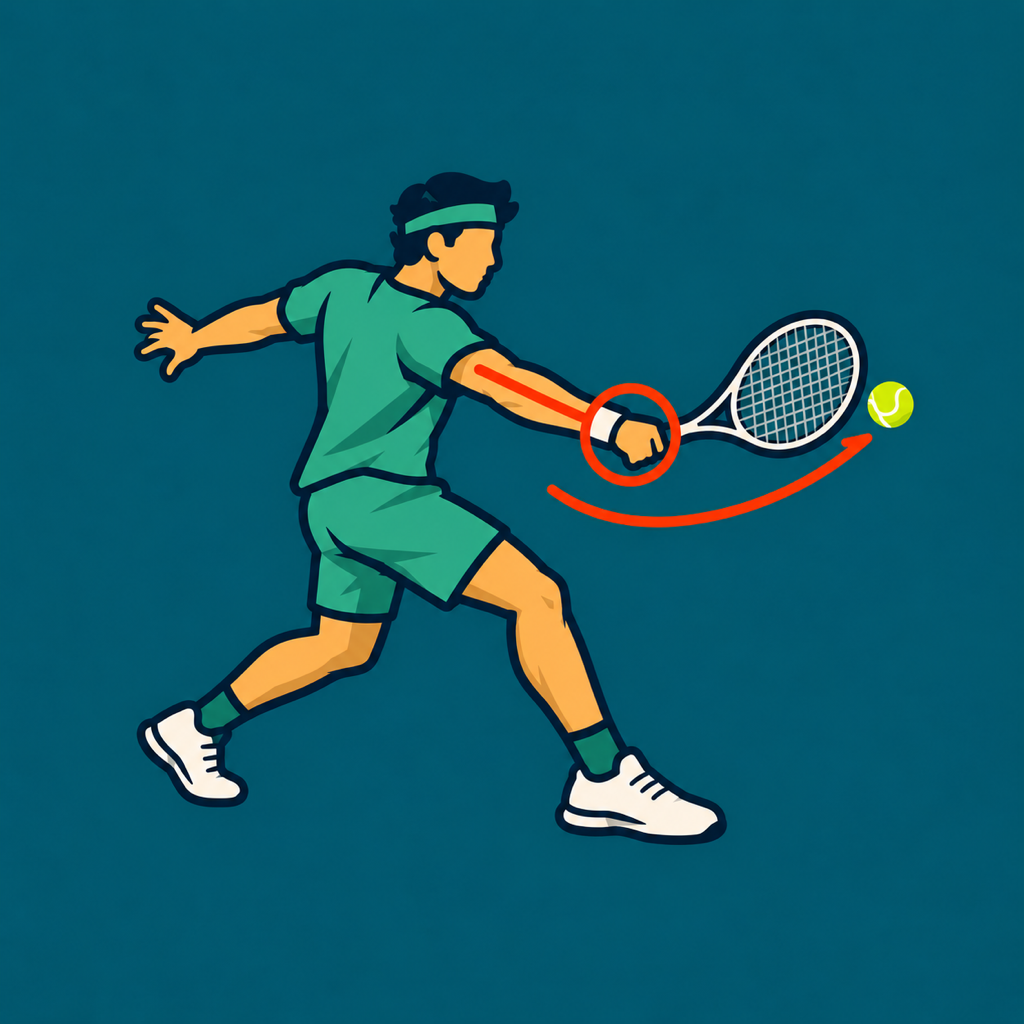 TennisDraw
Tennis video analysis · iPhone & iPad
Take a closer look at your serve, forehand, or backhand. Slow it down, draw what matters, and compare your practice clips.
Coming to the App Store
One upfront purchase. No subscription, account, or ads.
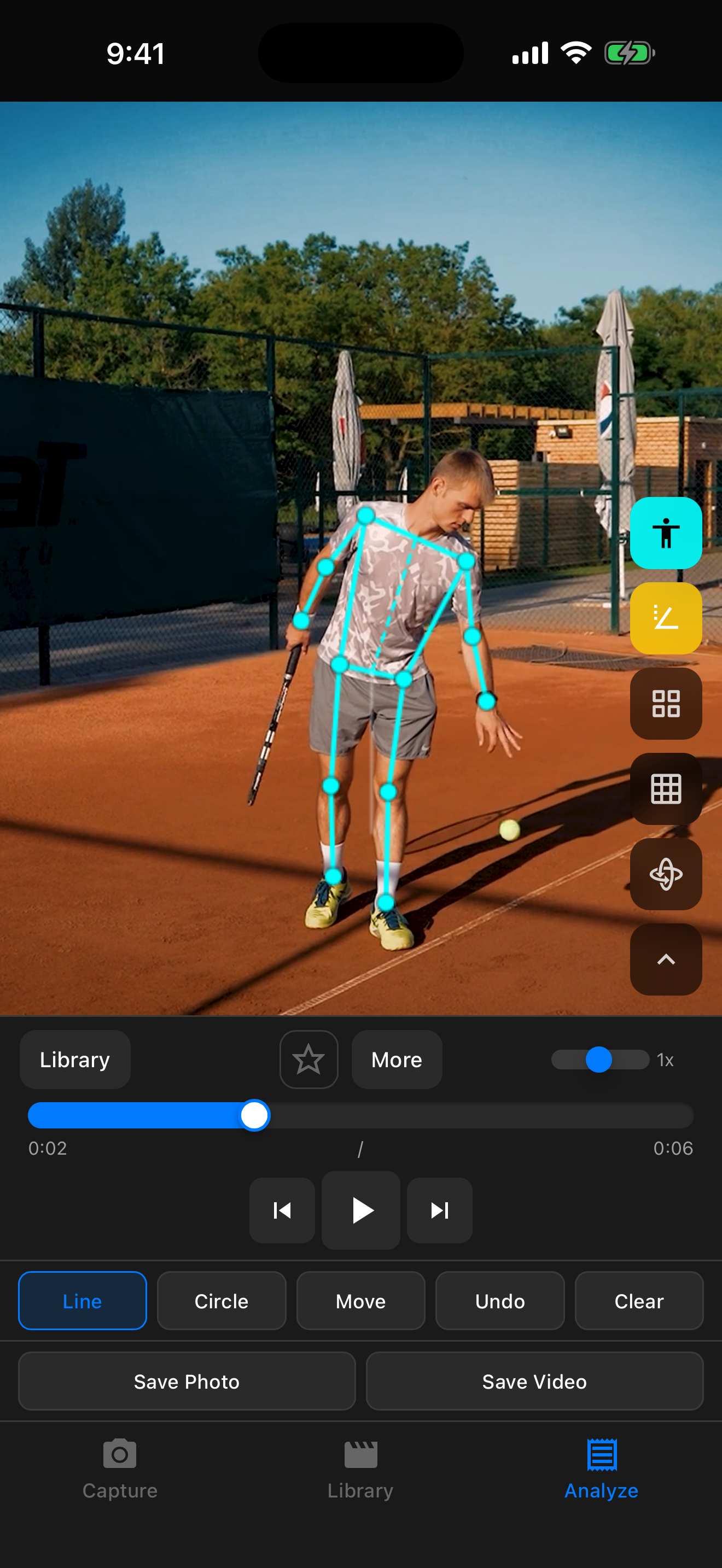
01 / LOOK CLOSER
Record a practice session or import a clip. Adjust playback speed and step through the movement frame by frame.
02 / MAKE IT CLEAR
Draw lines and circles directly on the video. Inspect your movement with body pose overlays and angle guides.
03 / KEEP THE LESSON
Organize clips with tags and notes. Export annotated video to Photos or share it with your coach.
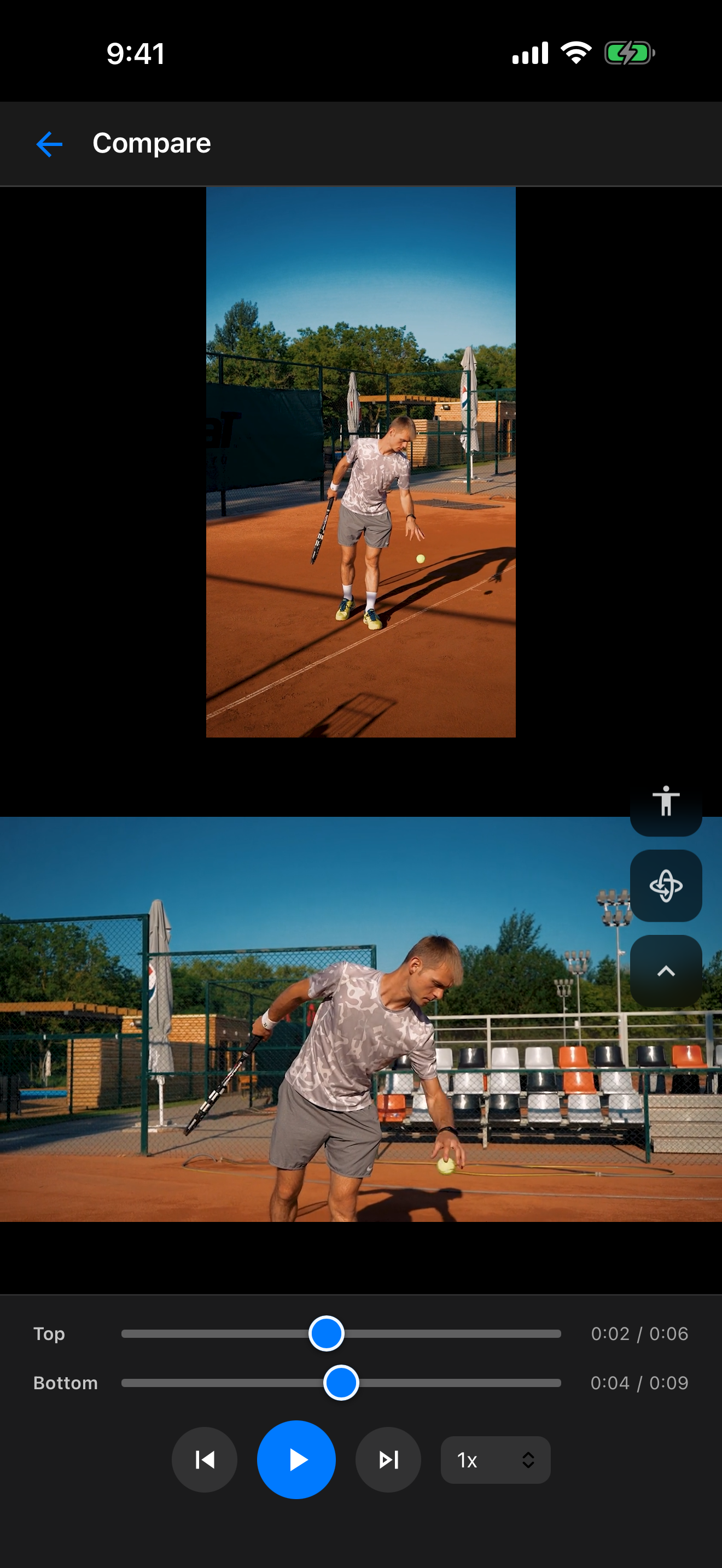
Two clips. A clearer view.
Review two clips together or use independent timelines to line up the moments you want to study. Look at preparation, contact, and follow-through at your own pace.
Body tracking is a visual reference. TennisDraw does not measure ball speed, spin, or racket speed, and does not provide automatic coaching scores.
Your videos, drawings, notes, and analysis are stored on your device. TennisDraw has no account, advertising, or analytics SDKs. You decide what to export or share.
Read the privacy policy